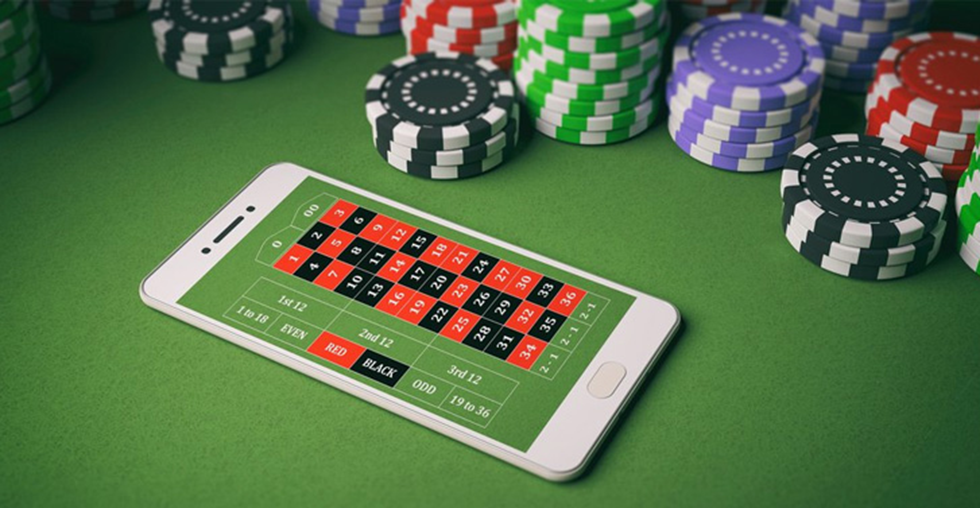
A well-organized game library creates a comfortable browsing experience by helping users locate entertainment options without unnecessary effort. Clear menus, readable labels, and thoughtfully arranged categories make navigation more enjoyable and straightforward. When information appears in a logical order, users can understand available choices and move between sections with greater confidence. Simple layouts also encourage convenient browsing, allowing people to focus on their preferences while enjoying a smooth and accessible experience.
Organized Categories Improve Game Discovery
Clear categorization helps transform a large collection into an approachable library. Instead of scrolling through countless options, users can explore specific sections according to their interests. Consistent menu structures also make repeated visits easier because familiar navigation patterns reduce confusion.
Useful category features include:
- Game type filters: Separate different entertainment formats into clearly labeled sections.
- Popular selections: Present frequently explored options in an easy-to-find area.
- Recently added games: Help users notice fresh additions without searching the entire library.
- Search functionality: Allow visitors to locate specific titles using relevant words.
- Consistent labels: Keep category names understandable across different sections.
These features create an orderly browsing environment where discovering suitable entertainment becomes a more convenient process.
Simple Menus Support Comfortable Browsing
A menu should communicate its purpose immediately. Short labels, recognizable icons, and sensible spacing help users understand where each option leads. When navigation follows a predictable structure, moving between categories feels natural rather than complicated.
Several design choices can improve menu usability:
- Keep primary navigation options visible and easy to identify.
- Group related categories together to establish a logical browsing flow.
- Use readable typography to make labels comfortable to scan.
- Maintain consistent spacing between menu items.
- Provide clear visual indicators for selected categories.
- Avoid overcrowding the interface with unnecessary controls.
These practical improvements help users spend less time interpreting the layout and more time exploring the available choices.
Helpful Information Makes Selection Easier
Beyond categories, useful descriptions and clear information panels can help users compare entertainment options. Brief summaries explain what each game offers, while organized details make individual listings easier to understand. For example, when promotional information such as DV77 bonus appears within an appropriate section, clear labeling can help users distinguish promotional details from ordinary game descriptions.
Helpful information features include:
- Short descriptions that explain the general game format.
- Clearly displayed rules and instructions before participation.
- Accessible information about applicable promotional conditions.
- Visible links to account settings and support resources.
- Straightforward explanations of available features.
Presenting these details consistently supports informed browsing and creates a more transparent experience.
Responsive Navigation Enhances Accessibility
A well-designed library should remain convenient across different screen sizes. Responsive menus allow categories, search tools, and information panels to adapt to desktops, tablets, and mobile devices. Touch-friendly controls and flexible layouts help maintain usability when screen space becomes limited.
Important accessibility improvements include:
- Buttons large enough for comfortable touch interaction.
- Strong text contrast for easier reading.
- Keyboard-friendly navigation wherever supported.
- Clear focus indicators for interactive elements.
- Simple layouts that minimize unnecessary scrolling.
Together, these features make browsing more inclusive and comfortable for different users.
Conclusion
Clear menus contribute significantly to a positive online casino browsing experience. Organized categories, readable descriptions, responsive layouts, and accessible controls make game libraries easier to explore. Consistent navigation also helps users understand available features without feeling overwhelmed by excessive information. By prioritizing simplicity, transparency, and thoughtful organization, a game library can provide a welcoming environment where users navigate confidently and make informed entertainment choices.